

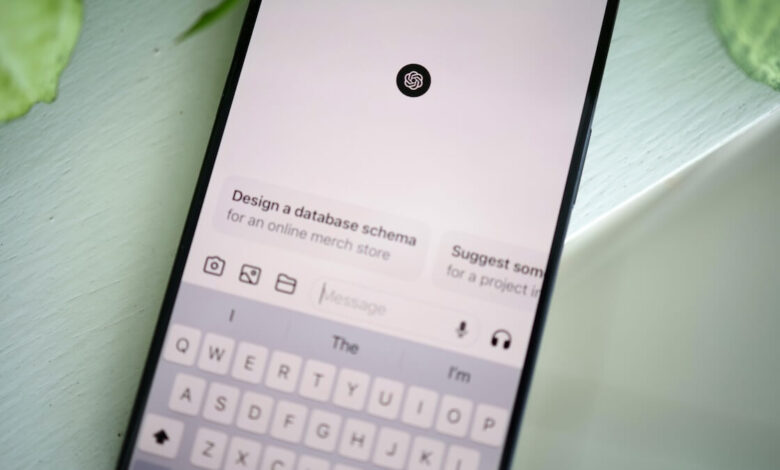
ChatGPT knows a surprising amount – including about its users. While the AI chatbot answers questions or writes texts, it also remembers details from the conversations. This way you can check what ChatGPT now knows about you.
The release of ChatGPT in November 2022 ushered in a new phase of artificial intelligence. For many people, it is hard to imagine everyday life without the AI chatbot from OpenAI.
Whether in the browser, in the app or in the chat on WhatsApp – the AI model is now accessible around the clock in numerous ways. This is also reflected in the user numbers: Just at the beginning of October, OpenAI boss Sam Altman announced at the company’s annual DevDay conference that ChatGPT now has more than 800 million weekly active users.
This enormous number of users is not only crucial for the success of the AI model, but also for its performance. The queries generate a continuous flow of data that contains valuable information for the development of the AI model.
So every request or response can contribute to greater understanding of models like ChatGPT. However, if the requests contain information about personal preferences, interests or sensitive data, these can also find their way into the data stream.
What does ChatGPT know about you?
In its privacy policy, OpenAI explains what personal data is collected when using ChatGPT. This includes, but is not limited to, data provided when creating an account or usage data such as entries, device information or location data.
What ChatGPT knows about you also depends on your usage behavior. If you want to find out what information the AI model has stored about you, you can simply ask.
To do this, you can simply ask questions in the chat like “What do you know about me?” or “What is my name and where do I work?” input. If you want to go a little deeper into the matter, you can also refer to previous conversations and ask ChatGPT how it would describe you based on that.
Based on the length of the answers and the details they contain, you can then see how much ChatGPT has actually learned and remembered about you through your entries. But it’s also entirely possible that the AI chatbot will tell you that it doesn’t know anything about you.
You can make these privacy settings at ChatGPT
If you want to prevent ChatGPT from learning or knowing too much about you, you can set various settings to protect your privacy. For example, you can deactivate the “Reminders” function in the settings.
To do this, open your settings and navigate to the Personalization menu item. Here you can deactivate ChaGPT from saving saved memories and taking them into account when replying.
In the Personalization area you can also see what settings you have made so far. Here, in the “Profession” or “More about you” section, information can be stored that ChatGPT remembers. “Individual information” can also contribute to this.
Additionally, you can also turn off ChatGPT data training. To do this, you need to go to the Data Controls item in your settings. At the top you will find the option “Improve the model for everyone”. Turn off this feature if you don’t want OpenAI to train models with your content.
Also interesting:




