
Do time capsules still have a future? Project retrofits SMB support for router-hard drive combination | News

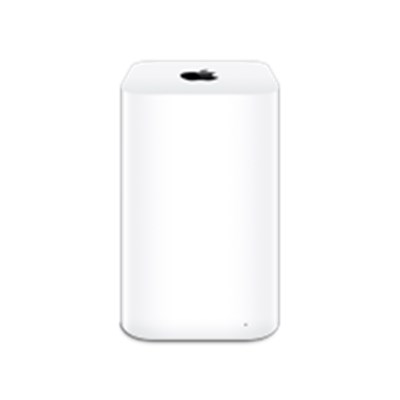
 This year should herald the end of the Time Capsule, at least for Macs with the latest macOS: Apple has announced that macOS 27 will abandon support for the network protocol “Apple Filing Protocol” (AFP). However, the router hard drive combinations sold under the name “Time Capsule” until April 2018 only support this form of communication. However, an independent developer is now working on an unofficial upgrade: With TimeCapsuleSMB, continued operation of the backup router should be possible.
 This is made possible by the operating system that Apple used for the company’s own router series: The proprietary firmware is based on an OS that is derived from the ARM port of the free NetBSD system. This allowed the developer to develop an alternative driver for the network protocol based on SMB4.
Early stage of development
The installation currently requires some user activity on the command line and is somewhat error-prone. Older Time Capsules (with a slim case) currently have to be reactivated via a terminal command every time they are reconnected. However, many testers have already been successful and were able to establish an SMB connection between the Mac and Time Capsule. For some, regular data backup via Time Machine now works. In the future, developer James Chang wants to expand the range of functions to include user profiles and also integrate AirPort Extreme to enable backups on hard drives connected via USB.
Time Capsule already restricted
Currently, running Time Machine backups will continue to work if they were set up in the past. However, a new setup is prevented in current versions – apparently Apple has already disabled this option in advance. Some users found a solution by configuring their Time Capsule using an older version of macOS.




