


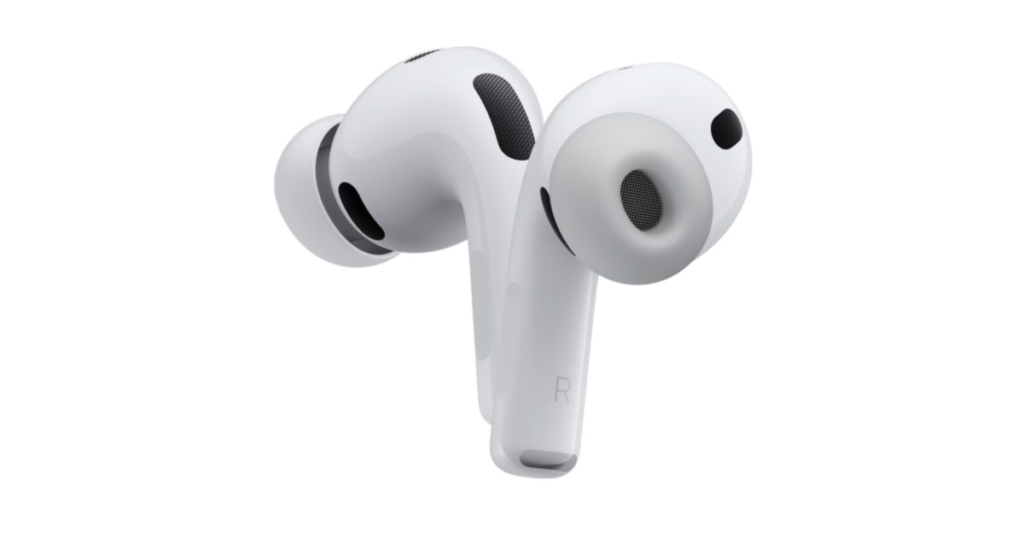


The iPhone manufacturer’s range of headphones is now diverse: Apple offers the original fourth generation AirPods in two versions – with and without active noise cancellation; These are joined by AirPods Pro and the large over-ear version AirPods Max. Apple sells a wealth of other wireless headphones and earphones under the Beats brand; these largely use the same settings dialogs. If AirPods are connected to the iPhone, the settings appear at the top of the Settings app. They now easily fill three screens.


Apple’s AirPods settings in iOS 26 (here with Beats listeners) fills at least three pages – or more depending on the range of functions.
From battery to “Where is?”
The settings dialog has to handle many different tasks, starting with the wireless connection to the current sound device (iPhone, iPad, Mac, Apple Watch or Vision Pro) through the listening mode (normal, noise cancellation, transparency, hearing aid or simultaneous translation), pressure and gesture control to the selection of the microphone. Some devices also support 3D audio, measure the wearer’s heart rate and/or can be activated via “Where is?” places. This dialogue is correspondingly long.
No own app for now
Apple is said to have carried out a fundamental revision of this dialog for iOS 27 in order to better structure the many options. However, according to Mark Gurman, the company decided not to implement a frequently expressed user wish: There will probably not be a separate app like the one available for the Apple Watch and the Vision Pro spatial computing headset. These make it easier for users to control the watch and VR device separately. This can also be used to update the respective operating systems. This may be another reason why Apple wants to forego this step: the firmware of Apple’s earphones is installed automatically and there is no need for confirmation from the user.