
Apple Pay: $10,000 debited from credit card without confirmation – experiment shows potential security vulnerability | News

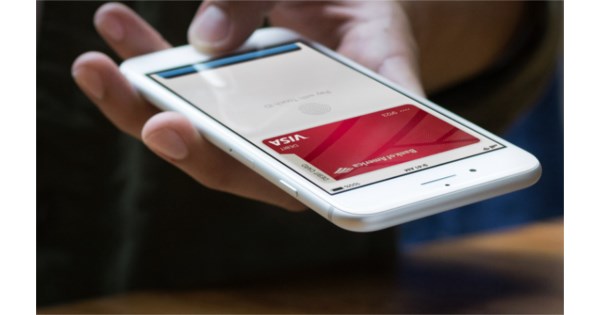
 It’s the nightmare scenario of anyone who uses cashless payments on their smartphone: hackers use wireless technologies to siphon arbitrary amounts. To prevent this, every payment must be confirmed on the iPhone or Apple Watch. However, there is an exception and fraudsters could use this to withdraw amounts without authentication. The YouTube channel Veritasium shows how it works: a request for $10,000 from the credit card of colleague MKBHD is waved through on the iPhone without asking.
 The journalists then explain which exceptions made the illegitimate debit possible. It is a middleman attack in which an NFC device is connected to a PC. This changes the transaction data and sends it to a second smartphone, which in turn is connected to a standard payment terminal.
Public transport mode
The hack tricks the iPhone into thinking that an express public transport payment is being made and also claims that the amount is a small sum. In this case, payment can be made without confirmation via, for example, Face ID. This was developed for quick payment in the subway, for example, and is called Apple Pay Express. Apple Pay does not verify the location or amount, but accepts it if a payment terminal claims so.
Only with Visa card
The iPhone then sends an authentication for a low value payment; This is in turn intercepted and modified for the payment terminal: The second smartphone now pretends that it is a normal transaction approved by the user. This is only possible with Visa cards, as these only rely on symmetrical encryption for standard payment processes. MasterCard and others, on the other hand, consistently use asymmetrical procedures, which prevents such an attack.
Known since 2021
The security flaw was discovered by British researchers five years ago. It only works with iPhones – Samsung sets payments in express mode to a value of zero by default and expects subsequent values for the payment processes from the transport companies. When asked, Apple replied that Visa considers this scenario to be unrealistic and is covering it with the “Zero Liability Policy”. Those affected can therefore demand their money back. The security researchers recommend deactivating Apple Pay Express for Visa cards – this can be done in the Settings app under “Wallet & Apple Pay/Express public transport card”.

In “Wallet & Apple Pay” there is a dialog called “Express Public Transport Card” where you can deactivate the function for Visa cards.




